 Live
Live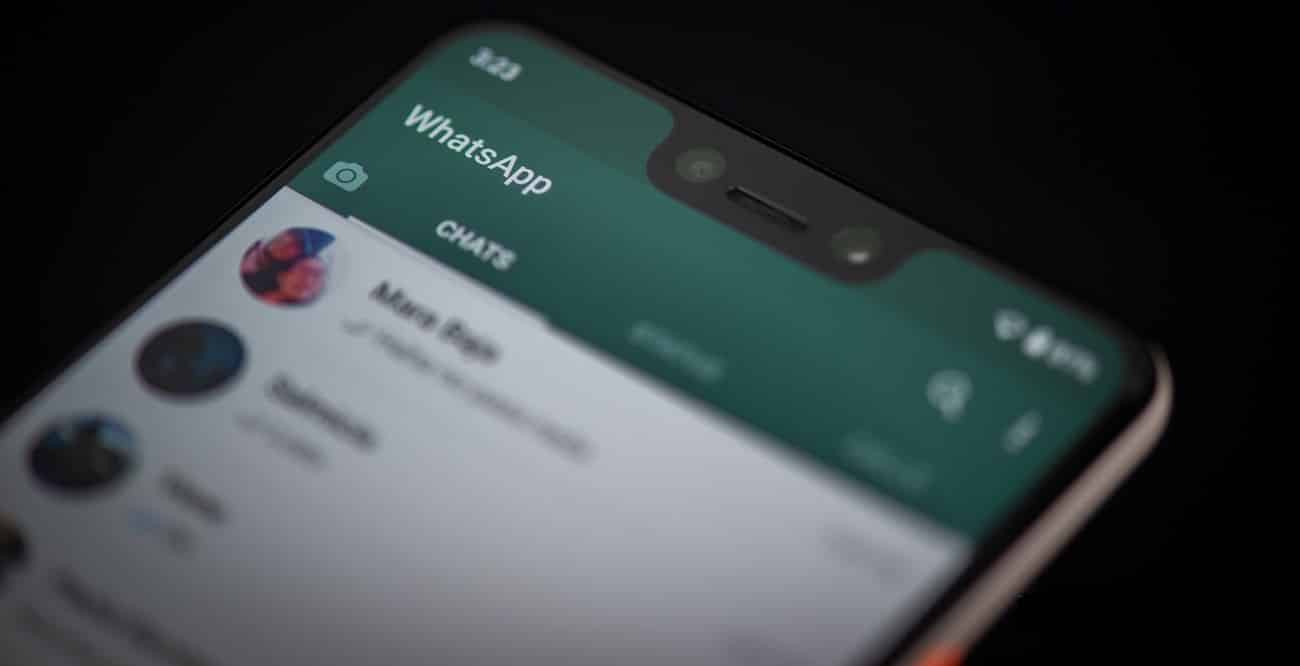
WhatsApp Desktop, in March, received support for voice and video calls. The Facebook-owned messaging app rolled out the feature to more users last month. According to a new report, the feature has now been rolled out to all WhatsApp users. Users on WhatsApp Desktop can take voice and video calls. Much like the mobile version, WhatsApp voice and video calls on the desktop are end-to-end encrypted. According to WABetaInfo, WhatsApp is informing users about the feature via in-app Stories. You can make free voice or video calls to your contacts on WhatsApp Desktop if you have the app installed on your computer.
To try out the feature, there are a few things to note. The basics are giving microphone access to WhatsApp Desktop. You will also need a webcam/ camera for video calls. Obviously, you need an active internet connection on your phone and PC/ computer. The call won’t go through your phone, but it needs to be online to establish the call. Besides these basics, you are also going to need Mac 10.13/ Windows 10 64-bit version 1903 or newer.
- Developers Race to Remove Anthropic’s Invisible AI Watermarks
- Godrej Industries Plans Rs 20,000 Crore Investment in Haryana
- Asaya Raises Rs 88 Crore, Plans Offline Retail Expansion
- NTPC Green Energy Arm Wins 500 MW SECI Peak Power Tender
- Natco Pharma Facility Gets 4 USFDA Observations; Shares Up
To make a WhatsApp voice or video call, open the individual chat with the contact you would like to call. Next, click on the voice/ video call icon on the top corner. You can accept, decline, or ignore an incoming call. While on a voice call with a contact, you can request to switch to a video call. The contact you are voice calling can choose to click OK or Switch to switch the call or Cancel to decline. You need to hover over the camera icon during the call and click on the Camera icon to enable the video.